Items
Add appliances, devices, furniture and fixtures with photos, model and serial numbers, purchase dates and prices.
Home inventory app
Add your appliances, devices and furniture with their receipts and warranties. Log each repair or cleaning, and keep track of household bills and reminders. There’s no account, and your records stay on your phone.
Add appliances, devices, furniture and fixtures with photos, model and serial numbers, purchase dates and prices.
Log each repair, cleaning or inspection with the date, the cost and who did the work.
Track bills that repeat and set reminders for due dates, warranty end dates and maintenance. Reminders work without a connection.
Why we made it
Warranty cards sit in a drawer. Repair receipts go missing before the technician asks for them, and nobody remembers when the air filter was last changed. Domus Keep keeps these records on your phone, next to the item they belong to.
Take a photo of the card when you add the item.
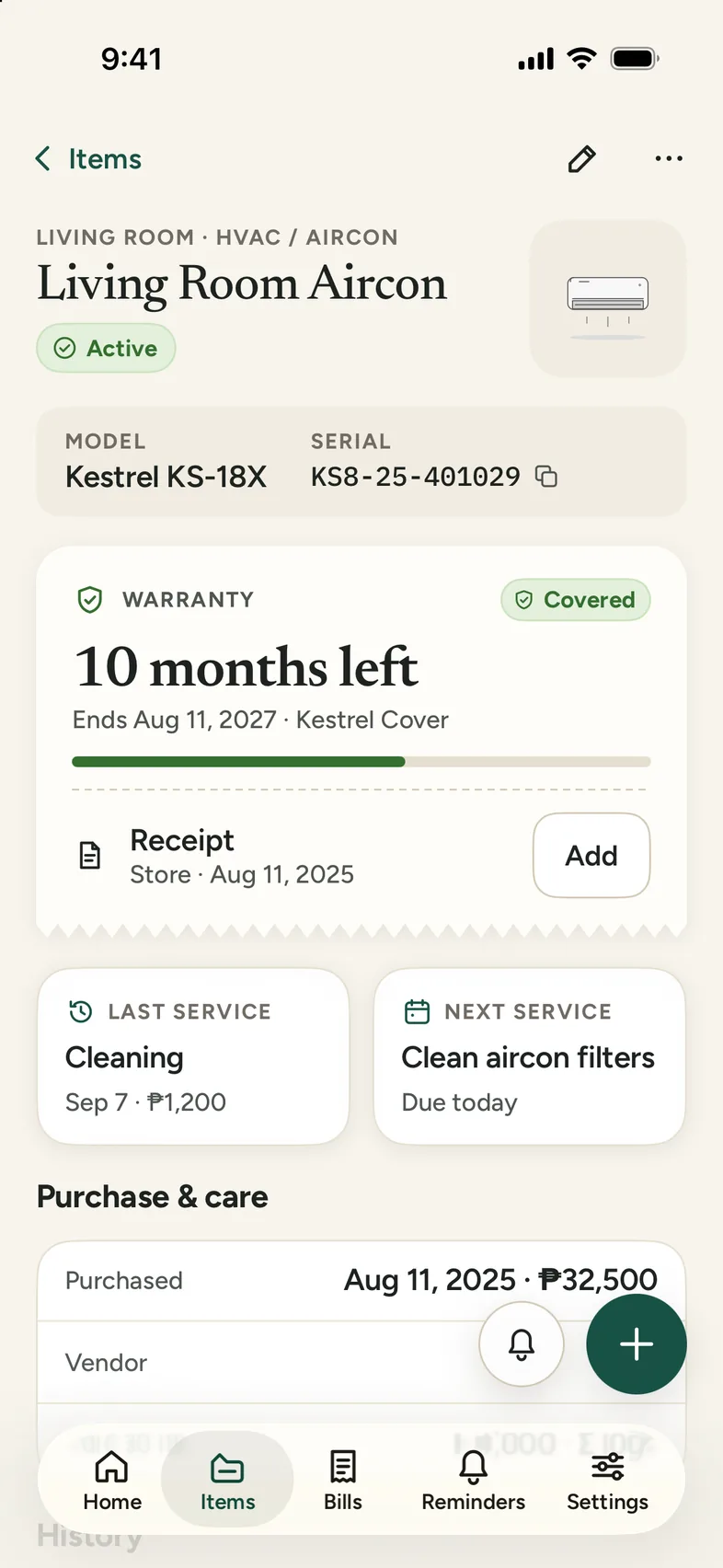
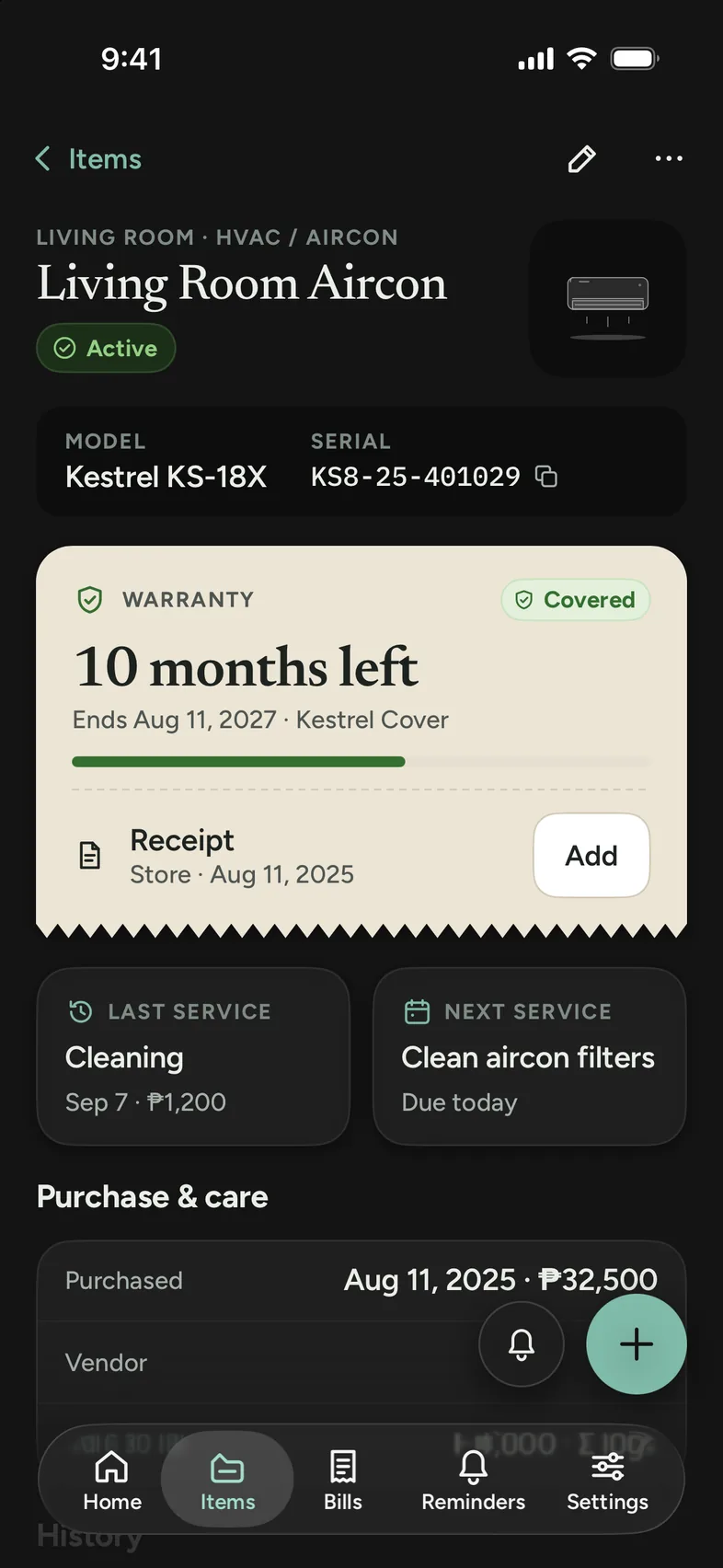
Open the aircon and check its history. Each entry has the date, the cost and the technician.
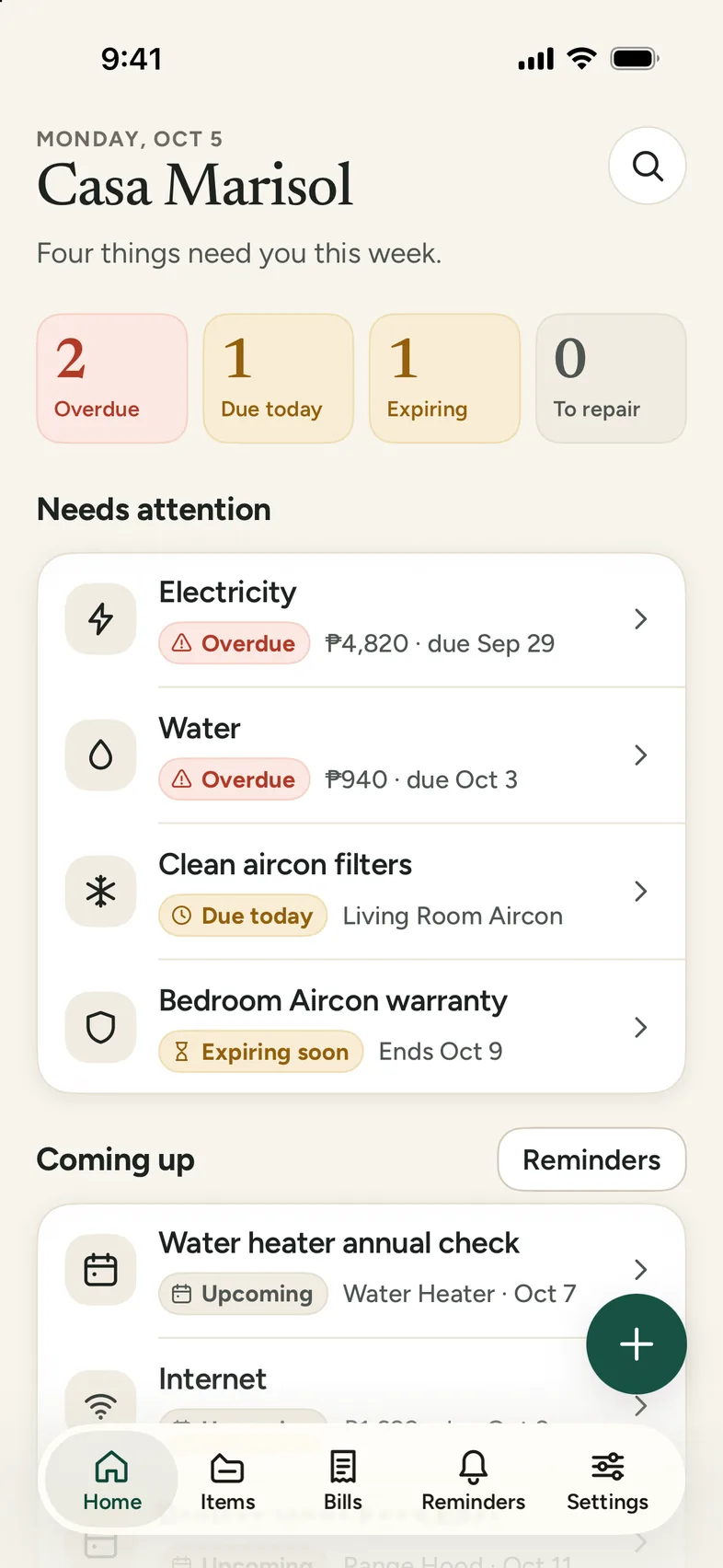
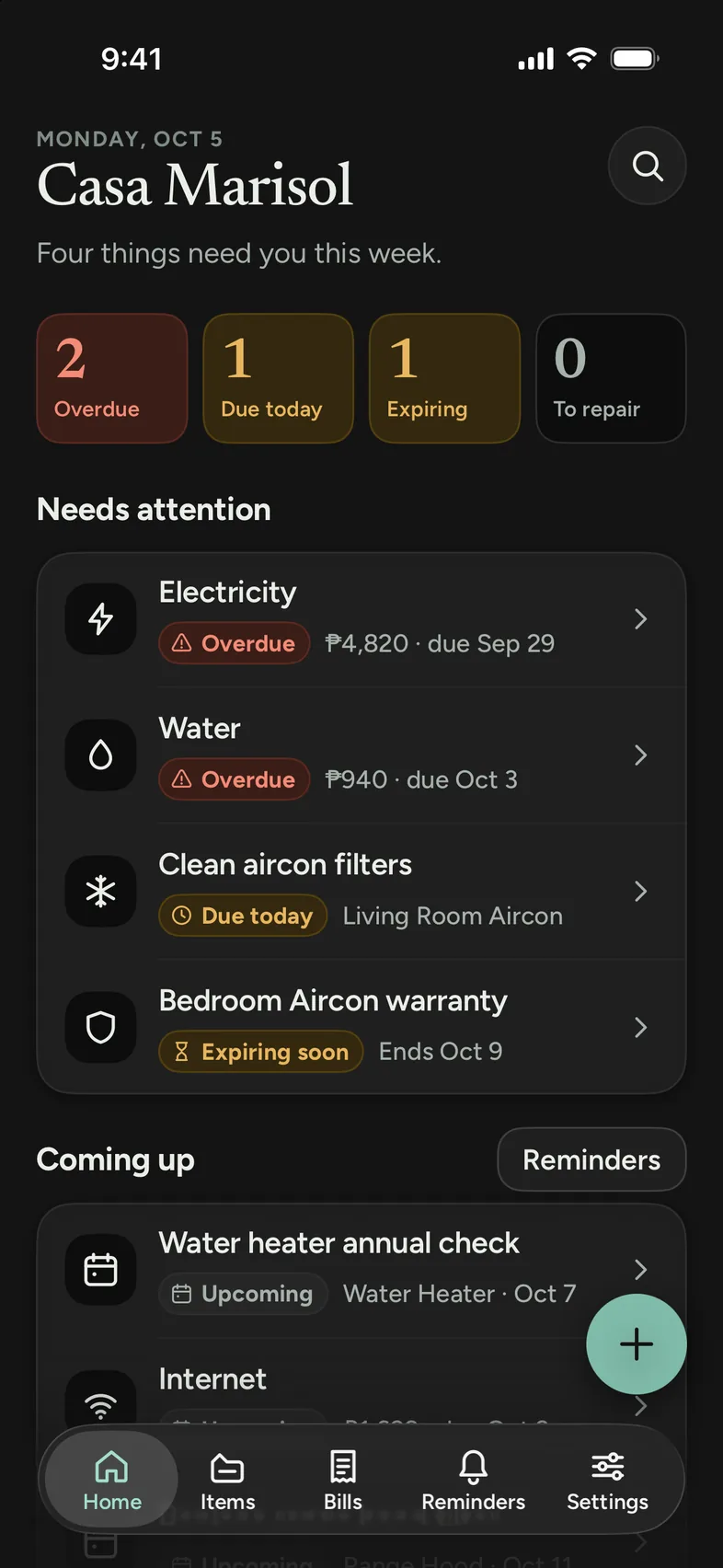
Add the bill with its due date. Home shows it when it’s due or late, and next month’s bill is added when you mark it paid.
Add the warranty’s end date. It shows as Expiring soon 30 days before it ends.
How it works
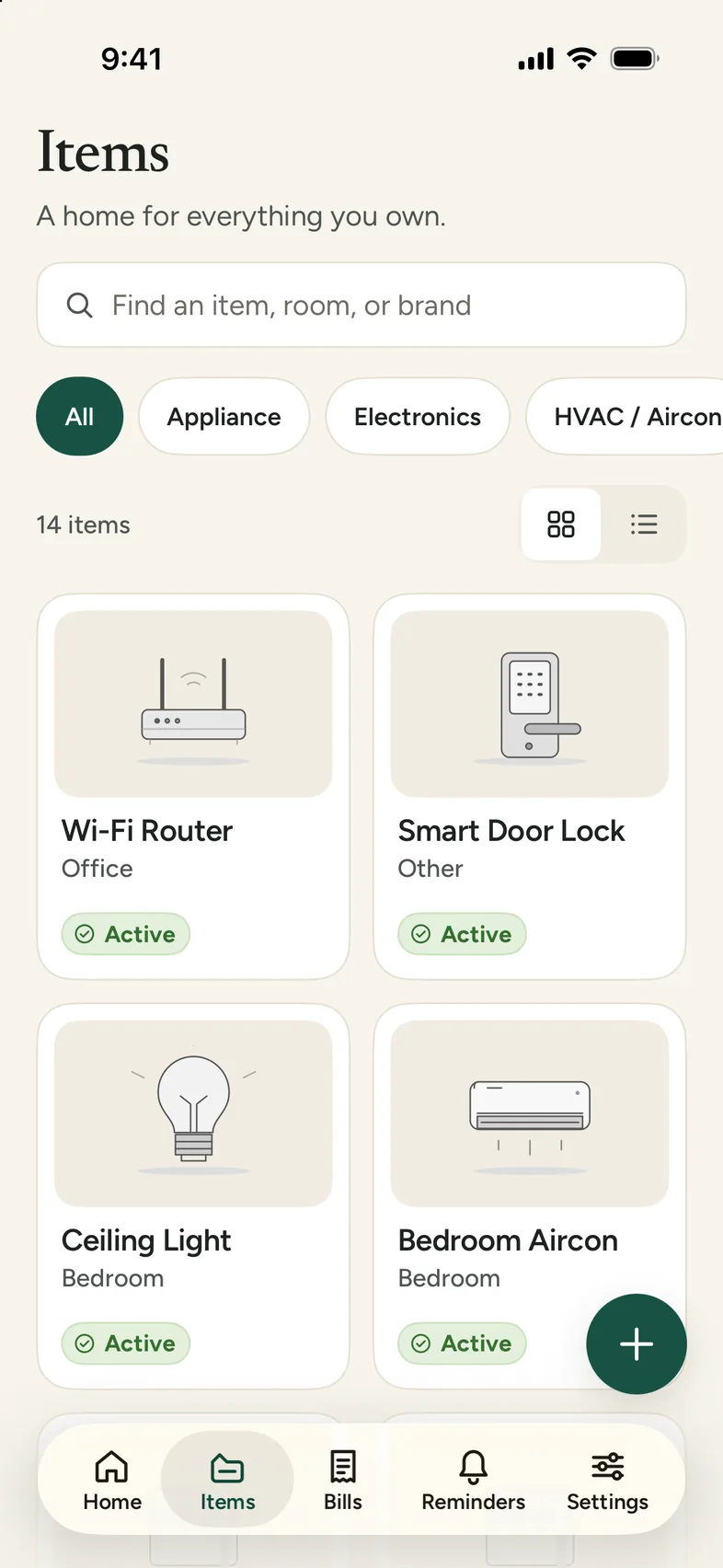
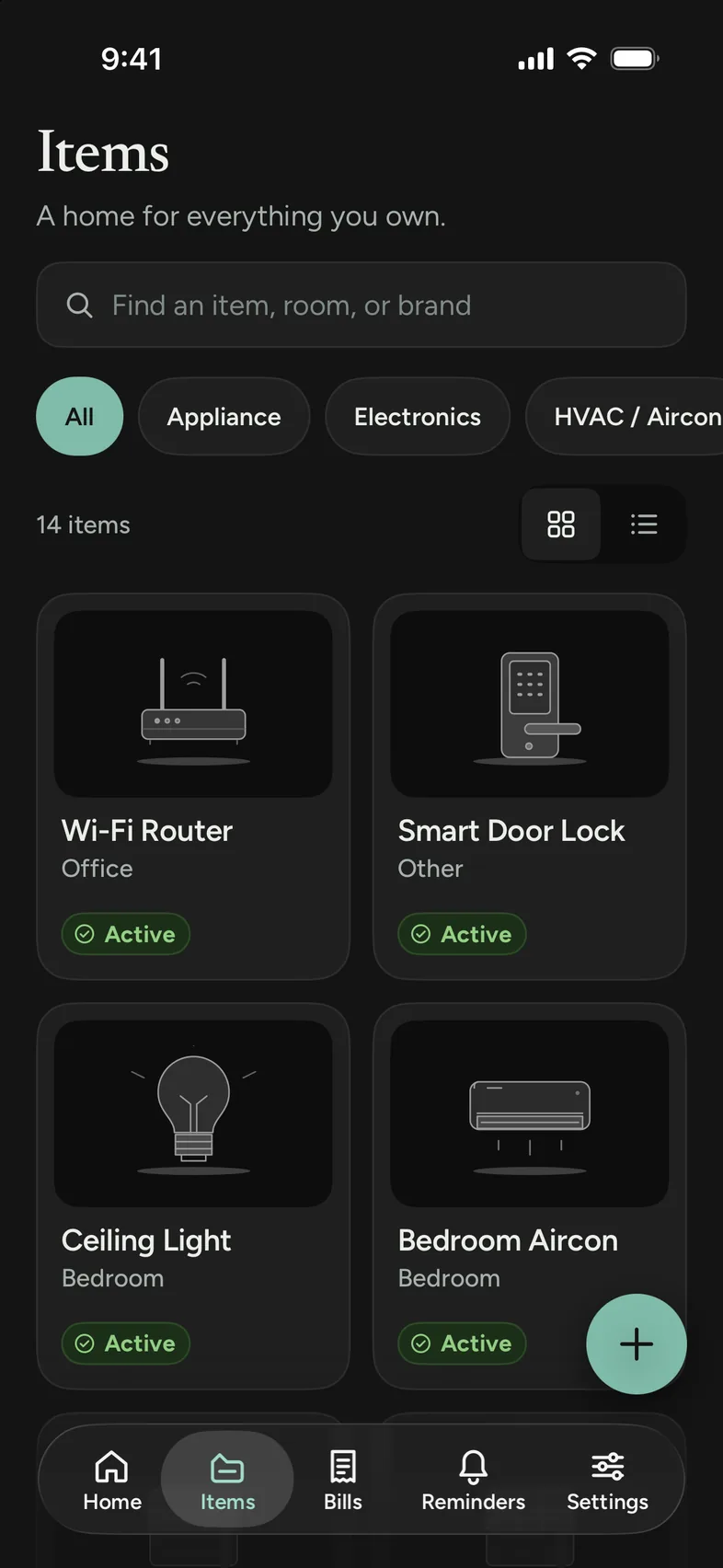
Tap + and add something you own, like a refrigerator, a sofa or a ceiling fan. Only the name is needed. You can add the brand, model, serial number, purchase date and price now or later.
Each item has a room, such as Kitchen or Bedroom, and a category, such as Appliance or Electronics. You can filter by category or search by name, room or brand.
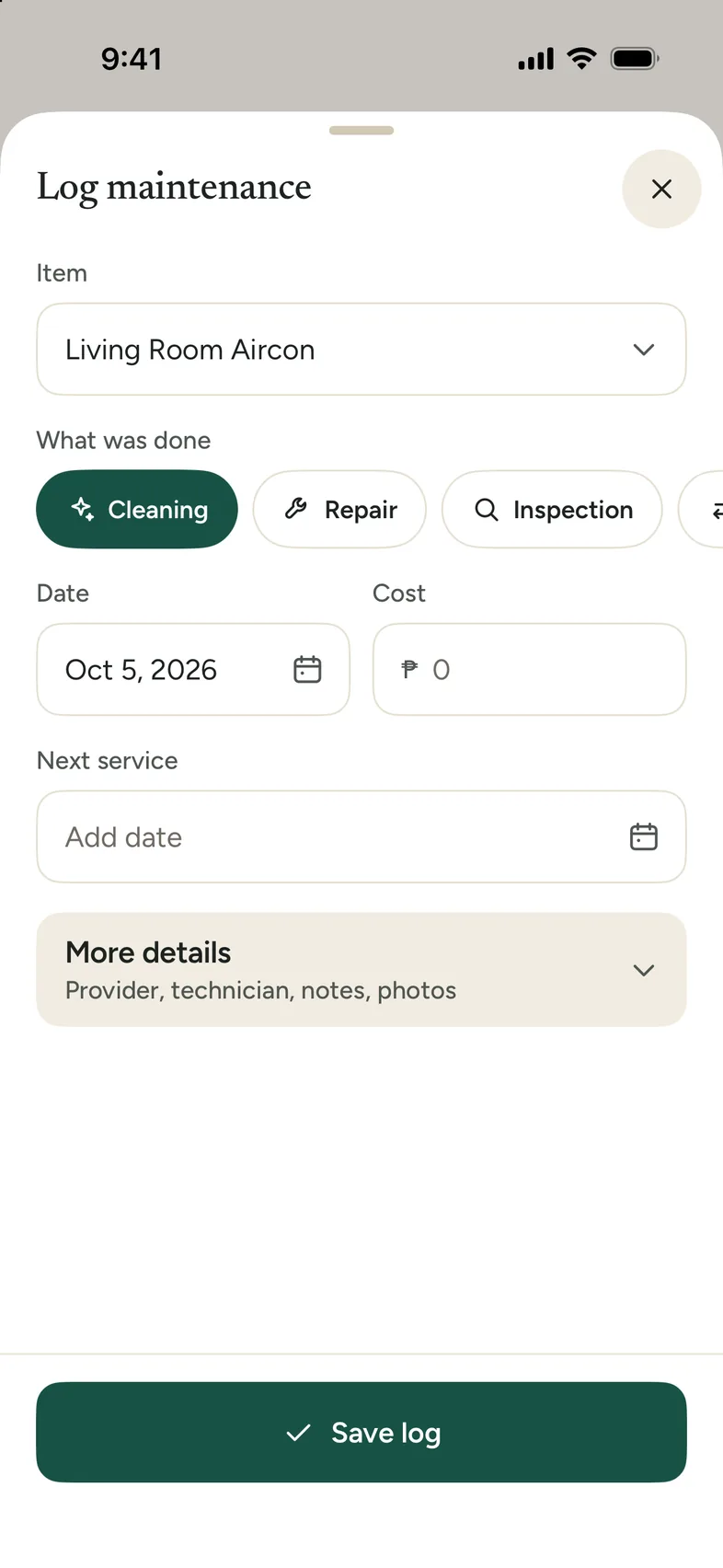
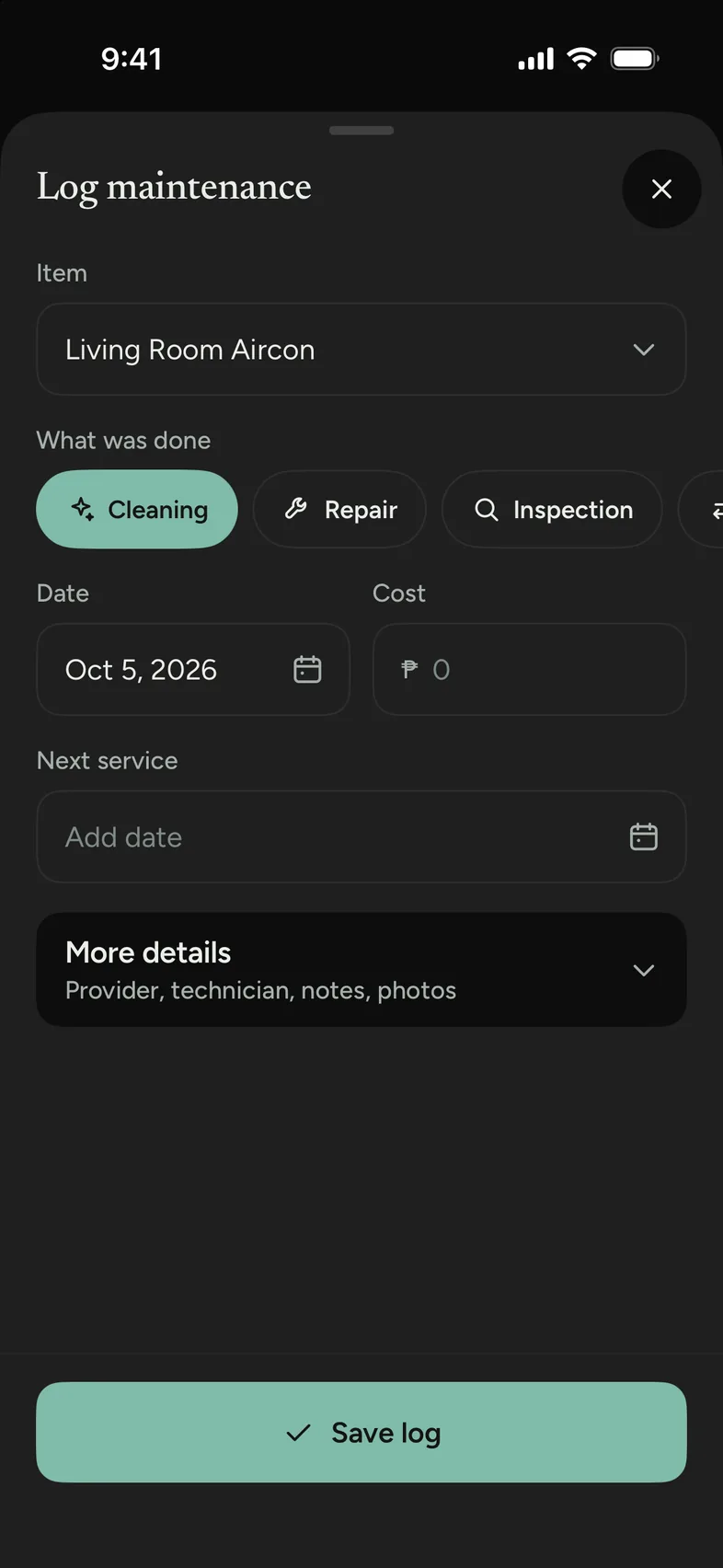
When something is serviced, repaired or replaced, open the item and log it. Record what was done, the date, the cost, who did it and any notes.
Each item keeps its own history, so you can check when it was last cleaned before you call a technician.
Add bills like electricity, water, internet, rent or a credit card, and mark them paid when you pay. For a repeating bill, the next one is added with its new due date.
Reminders are separate. Use them for yearly inspections, warranty renewals or filter changes. They’re scheduled on your phone, so they arrive even without a connection.
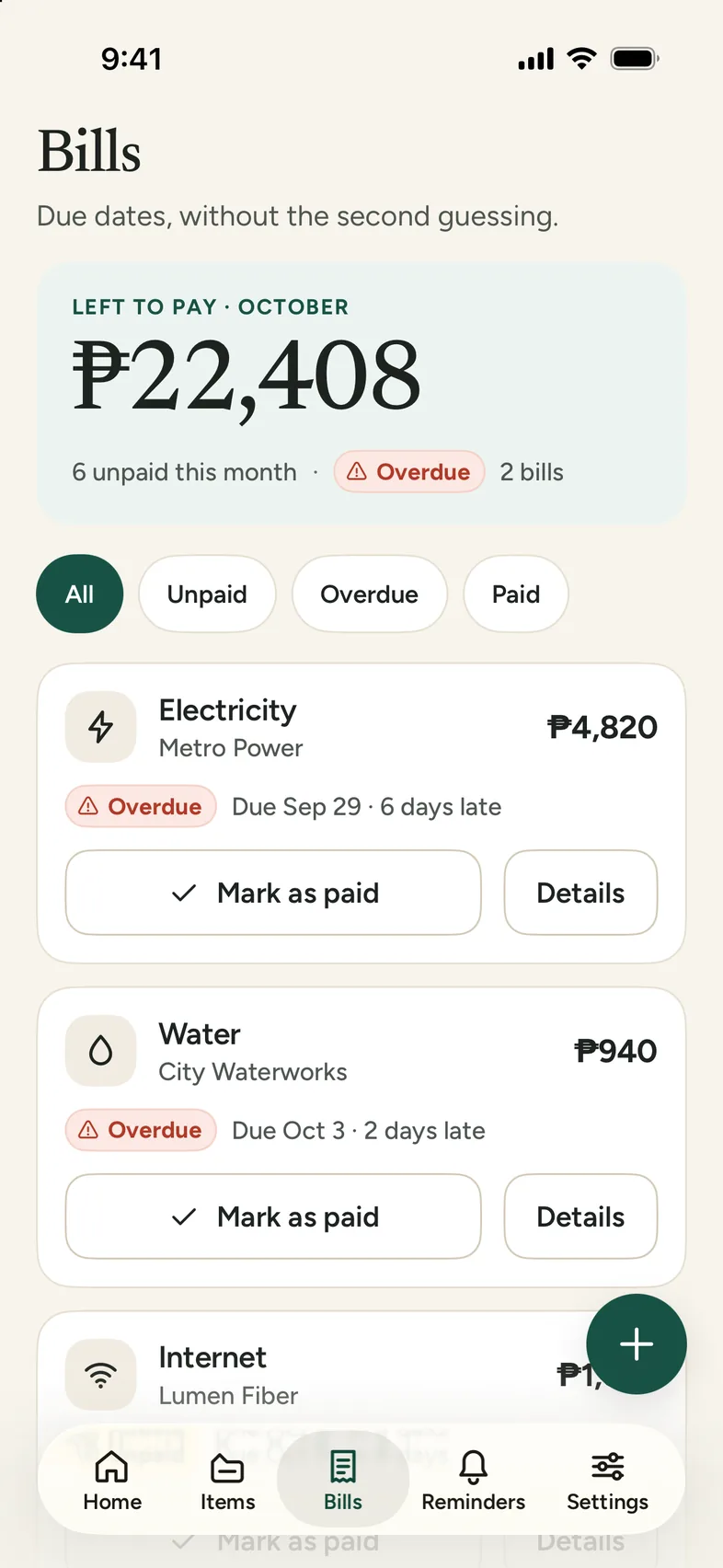
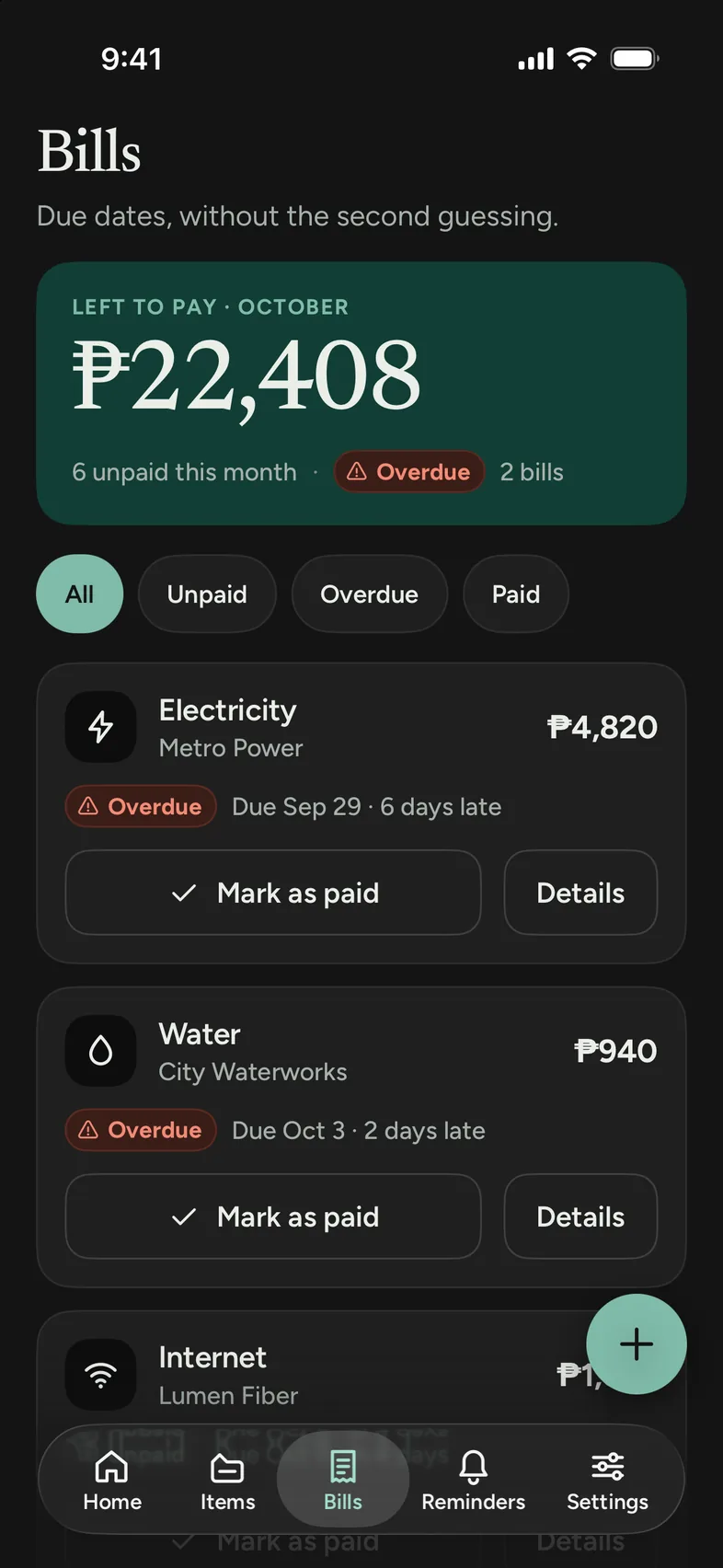
There’s no account and no cloud sync. Domus Keep doesn’t have a server, so your receipts, serial numbers and repair costs stay on your phone.
To keep a copy, export a .domuskeep backup file and save it wherever you like, such as cloud storage or a computer.
What stays on your device
The app only goes online to show ads in the free version and to buy or restore Remove Ads.
Pricing
Everything is in the free version, with no limit on items, logs, bills, warranties or reminders. A one-time purchase removes the ads and lets the app work offline.
Free
All features and no record limits. It shows an ad when you open the app.
Remove Ads
Pay once. It isn’t a subscription.
Google Play or the App Store shows the price at checkout. You can restore the purchase from Settings.
Only the free version does. It shows an ad when it opens, and the ad needs a connection. Without one, you’ll see a “No internet” screen until you reconnect. After you buy Remove Ads, the app works offline. Reminders are scheduled on your phone, so they arrive with or without a connection.
It stays on your phone. There’s no Domus Keep server, no cloud sync and no account. Your items, receipts, serial numbers and bills are stored only on the phone you use.
It’s the backup file Domus Keep makes when you tap Back up in Settings, Backup & restore. It holds your items, logs, warranties, bills, reminders, rooms, categories, home name and currency. Photos aren’t included yet. On a new phone, choose Restore from backup on the first screen, or Restore in Backup & restore.
All features are in the free version, with no limit on how many records you keep. The free version shows an ad when you open the app, so it needs a connection. Remove Ads is a one-time purchase that removes the ads and lets the app work offline.
No. It’s a one-time purchase through Google Play or the App Store. To get it back on a new phone, go to Settings and tap Restore purchase. You won’t be charged again.
No. Each install holds one home. You can use rooms and categories to keep different areas apart.
Android 8.0 or newer, and iPhone with iOS 16 or newer.

For Android and iPhone. Free, with an optional one-time purchase to remove ads.